
a separate shopping budget for your agent
For you. And the AI you use.
Your AI shops.You stay in control.
Connect your agent so it can order products and services. You set the budget and decide when it needs to ask.
Connect your assistant

 Buying with your assistant
Find me a design toolkit for my next project. Keep it under €50.
Found a match in GenesisPay Discovery.
Studio Kit has the icons, templates, and mockups you need. €39 from Form Studio. A great fit for your project.
Yes, buy this one.
This is above your €25 automatic spending limit. Approve the purchase to continue.
Your approvalExample purchase
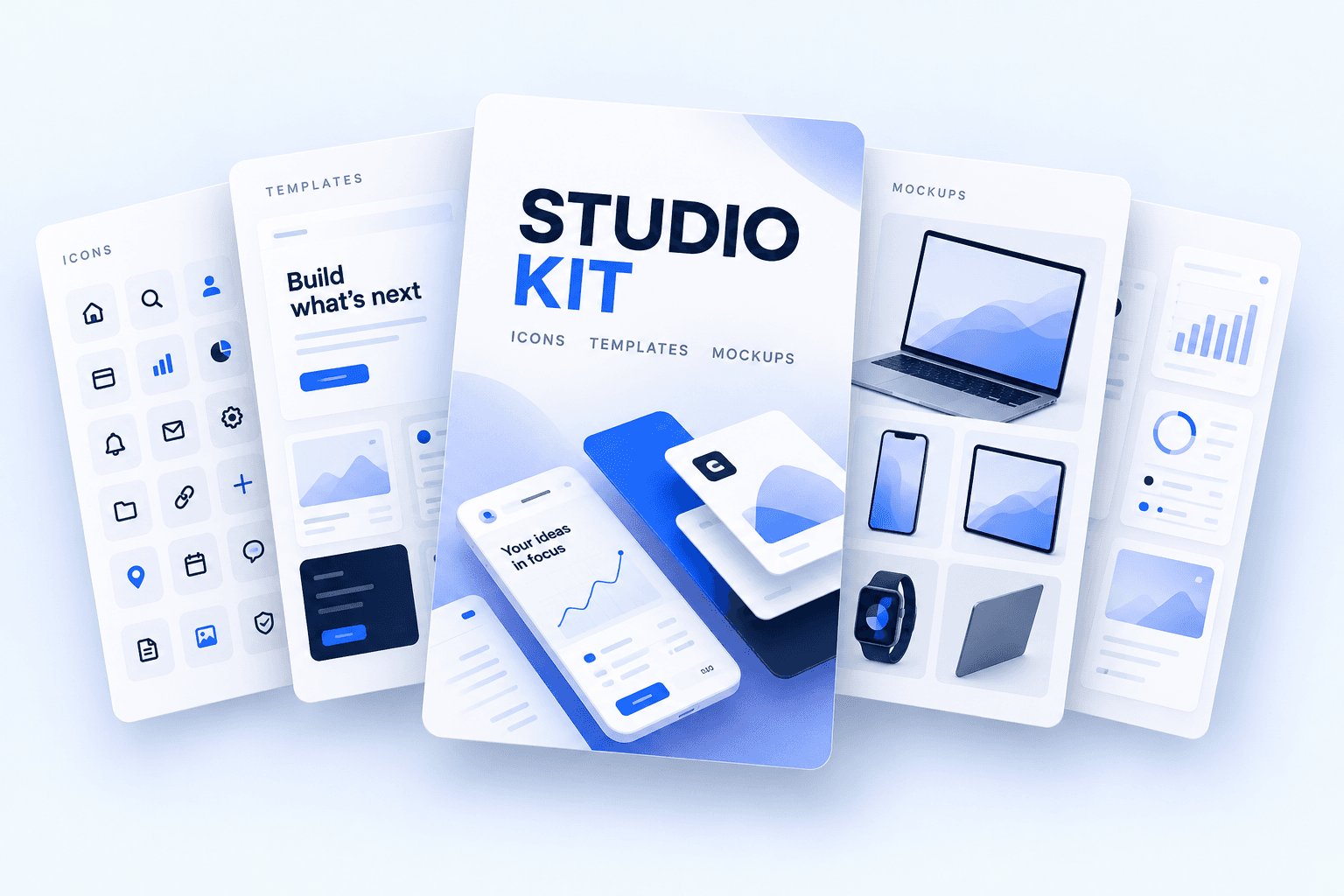
Studio Kit
Form Studio · example shop
- Total
- €39.00
- Your shopping budget
- €50.00
spending rules checked before payment
your approval for purchases above your limit
private keys handed to your agent
Shopping with your AI
From your request to your receipt.
Tell your assistant what you need. It finds products from GenesisPay shops and asks for your approval when a purchase exceeds your limits.
- Ask
- Compare
- Confirm
- Approve
- Paid
Shopping assistant
Product research
Find a docking station for my M5 MacBook. I need two displays and plenty of ports.
Comparing compatible options…
GenesisPay

Agent purchase
Approve payment
Atlas Dock Pro
Northstar Supply · Quantity 1
- Agent
- Shopping assistant
- Total
- $325.00
Waiting for the chat confirmation.
Your AI. A new ability.
Built for the AI you already use.
Keep your favorite assistant. Give it a way to shop, with a budget and rules you control.
Start with a setup guide
Using another agent?
- OpenClaw
- Hermes Agent
- Grok Bot
- dots
- Muse
Other agents need a compatible MCP or API connection. Setup and availability vary by agent.
Connect your own agentMake it your shopping assistant
From “find me”
to “got it.”
Your assistant finds the products. GenesisPay gives it a way to pay, with rules you control.
- 1
Give it a shopping budget
Create an agent account in GenesisPay and fund it separately from your personal spending.
- 2
Decide when it should ask
Choose permitted shops and spending limits. Purchases over a limit need your approval in GenesisPay.
- 3
Connect your assistant
Connect it in ChatGPT or Claude, or follow the setup guide for Claude Code or Codex. Building your own agent? Use the API guide.
Start now
Your next purchase starts with a conversation.
Connect your assistant, give it a budget, and keep the final say on purchases above your limits.