The GenesisPay catalog in Hermes Agent and OpenClaw
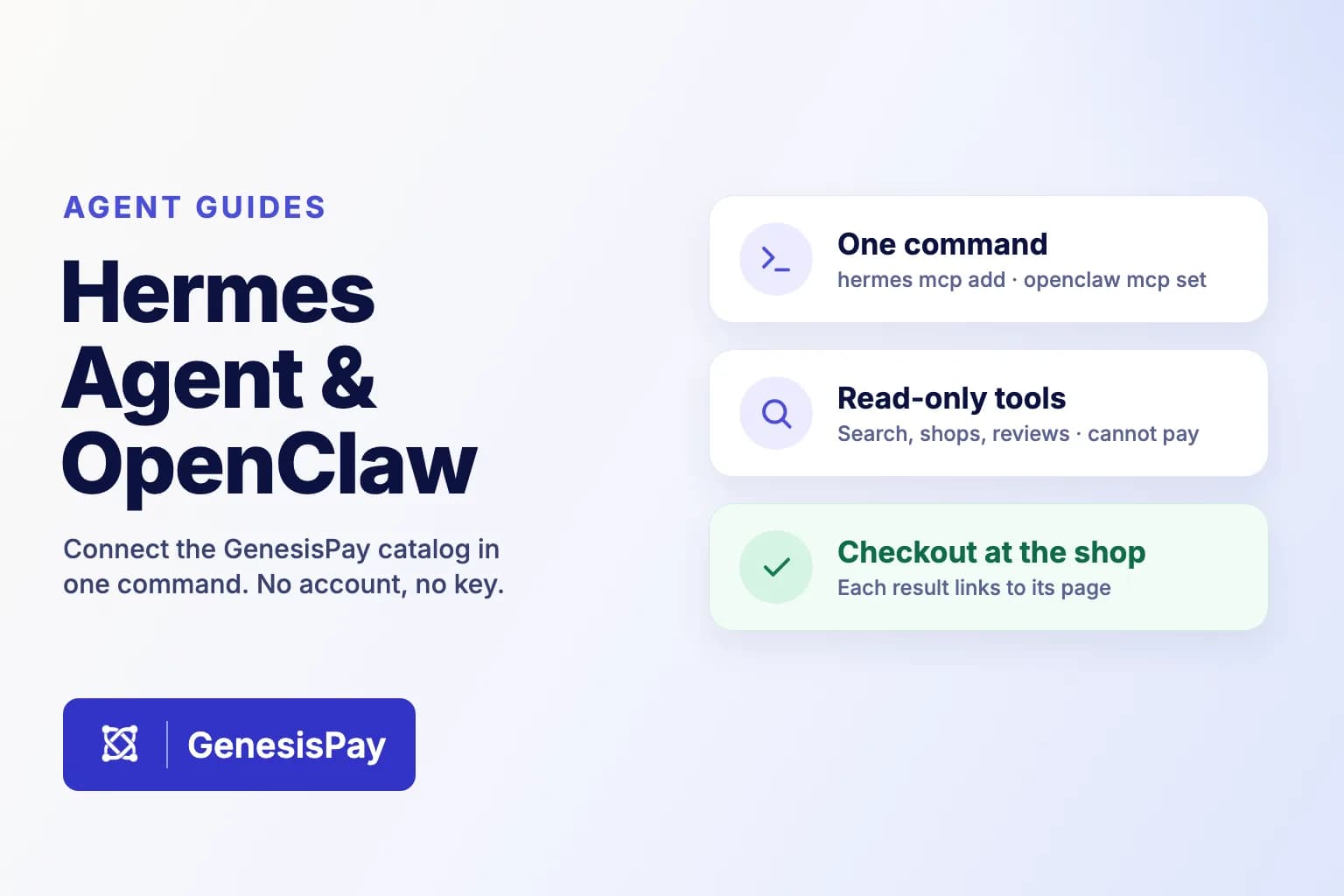
Hermes Agent and OpenClaw run on your own machine and reach the world through MCP. Adding the GenesisPay catalog takes one command—and because it can only read, there is nothing to sign in to and nothing for the agent to spend.
Why these two agents
Hermes Agent from Nous Research and OpenClaw are open-source agents that run on your own computer or server. Both speak the Model Context Protocol (MCP), and both can connect to a remote MCP server by its URL. That is all the catalog needs: nothing to install from us, no SDK and no API key in a config file.
We connected both to the catalog on 24 October 2026—Hermes Agent v0.22.5 and OpenClaw 2026.10.6—and checked the commands below again on 28 October.
What the catalog can do
It has four tools, and every one of them only reads:
| Tool | What it does |
|---|---|
genesispay_catalog_search | Searches products by keyword, shop or category |
genesispay_catalog_shops | Finds shops listed on GenesisPay |
genesispay_catalog_recent | Lists products first seen in the last seven days |
genesispay_catalog_reviews | Reads verified-purchase reviews of one product |
Every result carries a howToBuy note and a link to its public page on GenesisPay. For the products listed today, that page leads to the shop’s own checkout, where shipping and tax are set. Some listings come from GenesisPay Rewards partner shops; their description states the cashback terms. The agent finds and compares; you decide and buy at the shop.
Connect Hermes Agent
Add the server by URL:
hermes mcp add genesispay-catalog --url https://catalog.genesispay.finance/mcp/catalog
There is also a ready-made Hermes plugin that bundles the catalog with a short skill telling the agent how to use it: search first, show the price as the shop lists it, read reviews before recommending, and never claim to have bought anything. It is listed in the Hermes plugin catalog, so you can install it by name:
hermes plugins install genesispay-catalog
hermes plugins enable genesispay-catalog
Connect OpenClaw
Save the server, then check that its tools load:
openclaw mcp set genesispay-catalog '{"url":"https://catalog.genesispay.finance/mcp/catalog","transport":"streamable-http"}'
openclaw mcp probe genesispay-catalog
The same skill is available for OpenClaw. Until it is live on ClawHub, install it from a clone of the repository:
git clone --depth 1 https://github.com/GenesisTechAT/genesispay-agent-skill
openclaw skills install ./genesispay-agent-skill/agent-plugins/genesispay-catalog/skills/genesispay-catalog
Try it
Ask your agent something like:
- “Which shops are on GenesisPay?”
- “Search GenesisPay for supplements and show me the prices.”
- “Read the reviews for that product before I decide.”
What the catalog sees
Your search terms, filters and the ids you look up reach catalog.genesispay.finance, which GenesisPay operates. Nothing identifies you: there is no sign-in, and neither the plugin nor the skill stores a credential.
Where to find it next
The catalog is listed in the Claude connector directory, and the plugin in the Hermes plugin catalog. We have also submitted the skill to ClawHub, OpenClaw’s skill registry; it is not live there yet, so install it from the clone as shown above.
Primary sources
Check the original sources.
- 01MCP integration: remote servers and tool selectionHermes Agent documentation (Nous Research)
- 02Plugin catalog submission rulesHermes Agent documentation (Nous Research)
- 03openclaw mcp: transportsOpenClaw documentation
- 04ClawHub: the public registry for OpenClaw skills and pluginsOpenClaw documentation
- 05GenesisPay catalog plugin and agent skillGenesisTechAT on GitHub
Last source review: Oct 28, 2026. This is technical education, not financial or legal advice.